> ## Documentation Index
> Fetch the complete documentation index at: https://docs.cloudx.io/llms.txt
> Use this file to discover all available pages before exploring further.
# 概览
> CloudX CLI 的公开参考,包括身份认证、竞价检查、报表、配置与使用要求。
# CloudX CLI
`cloudx` CLI 提供命令行方式访问 CloudX 的身份认证、竞价检查、报表和配置工作流。
安装说明请参见 [安装](/zh/cli/installation) 页面。
 在 macOS 上通过 Homebrew 安装 CLI。
登录及会话管理。
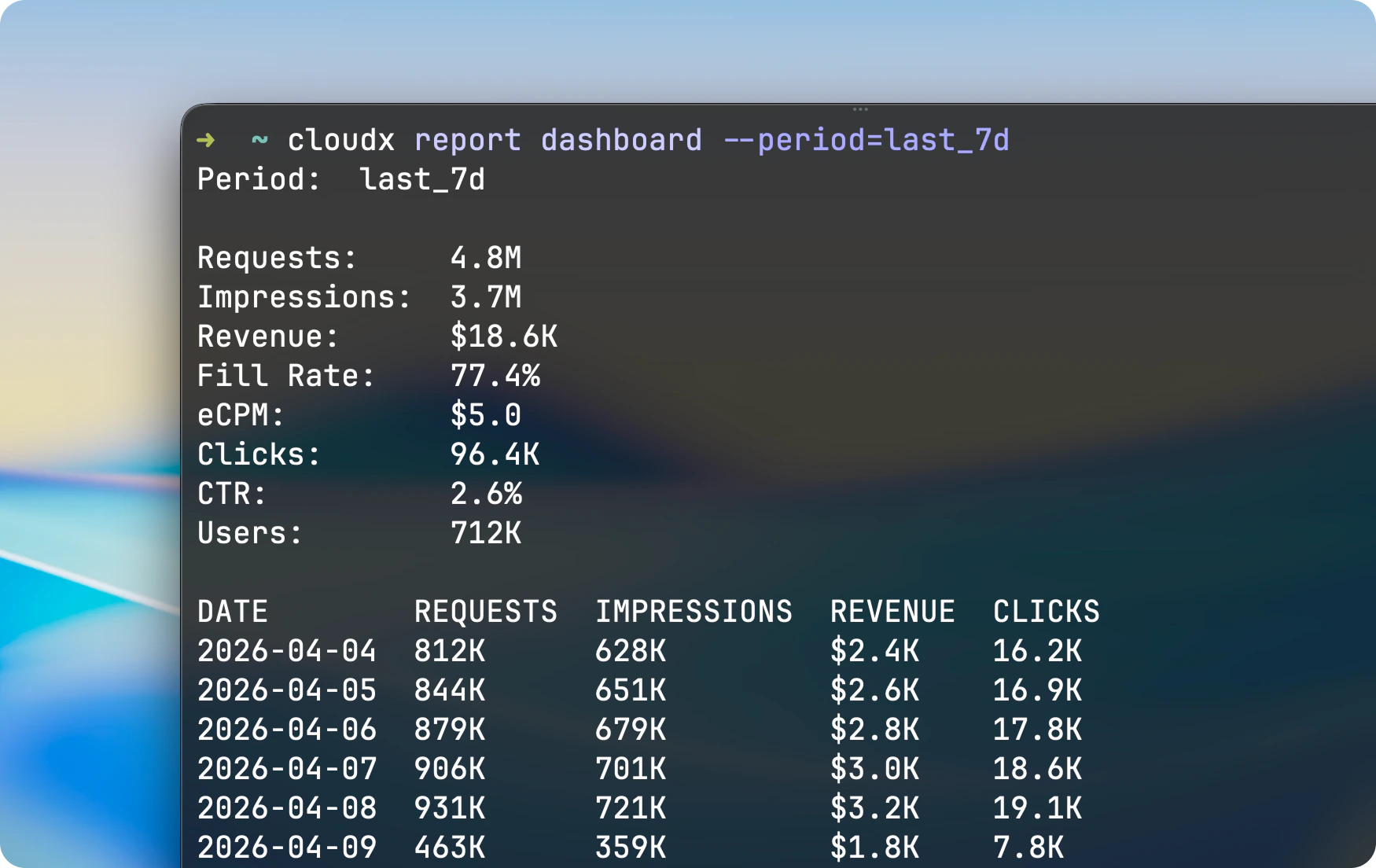
报表命令与参数标志。
竞价、轮次、出价和 ILRD 检查命令。
检查、验证、编辑和发布配置。
可直接复制粘贴的 CLI 示例。
## 根用法
```bash theme={null}
cloudx [--timeout ] [command]
cloudx --version
cloudx --help
```
## 根标志
| 标志 | 简写 | 说明 |
| ---------------------- | ---- | ----------------------------------------------- |
| `--timeout ` | | API 请求超时时间。默认 `1m`,最大 `2m`。示例:`30s`、`90s`、`2m`。 |
| `--version` | `-v` | 打印 CloudX CLI 版本并退出。 |
| `--help` | | 显示命令帮助。 |
## 退出行为
CLI 使用标准退出码:
* `0` 表示成功、帮助输出与 `--version`
* `1` 表示用法无效、缺少配置、身份认证问题以及请求错误
`cloudx auth status` 是一个特例:
* 已登录时退出 `0`
* 未登录或当前登录会话不可用时退出 `1`
## 备注
* CLI 当前通过 Homebrew 安装在 macOS 上。
* API 请求默认 60 秒超时。需要更短或更长的请求预算时,请将 `--timeout` 放在命令之前。
* 聚合报表和竞价检查命令支持人类可读的表格输出,或通过 `--json` 输出结构化 JSON。展示级导出则会下载 gzip 压缩的 CSV 文件。
* 配置命令默认输出 YAML,并支持通过 `--json` 输出 JSON。
* 时间段解析基于 UTC。
在 macOS 上通过 Homebrew 安装 CLI。
登录及会话管理。
报表命令与参数标志。
竞价、轮次、出价和 ILRD 检查命令。
检查、验证、编辑和发布配置。
可直接复制粘贴的 CLI 示例。
## 根用法
```bash theme={null}
cloudx [--timeout ] [command]
cloudx --version
cloudx --help
```
## 根标志
| 标志 | 简写 | 说明 |
| ---------------------- | ---- | ----------------------------------------------- |
| `--timeout ` | | API 请求超时时间。默认 `1m`,最大 `2m`。示例:`30s`、`90s`、`2m`。 |
| `--version` | `-v` | 打印 CloudX CLI 版本并退出。 |
| `--help` | | 显示命令帮助。 |
## 退出行为
CLI 使用标准退出码:
* `0` 表示成功、帮助输出与 `--version`
* `1` 表示用法无效、缺少配置、身份认证问题以及请求错误
`cloudx auth status` 是一个特例:
* 已登录时退出 `0`
* 未登录或当前登录会话不可用时退出 `1`
## 备注
* CLI 当前通过 Homebrew 安装在 macOS 上。
* API 请求默认 60 秒超时。需要更短或更长的请求预算时,请将 `--timeout` 放在命令之前。
* 聚合报表和竞价检查命令支持人类可读的表格输出,或通过 `--json` 输出结构化 JSON。展示级导出则会下载 gzip 压缩的 CSV 文件。
* 配置命令默认输出 YAML,并支持通过 `--json` 输出 JSON。
* 时间段解析基于 UTC。