> ## Documentation Index
> Fetch the complete documentation index at: https://docs.cloudx.io/llms.txt
> Use this file to discover all available pages before exploring further.
# Overview
> Public reference for the CloudX CLI, including authentication, auction inspection, configuration, reporting, and usage requirements.
# CloudX CLI
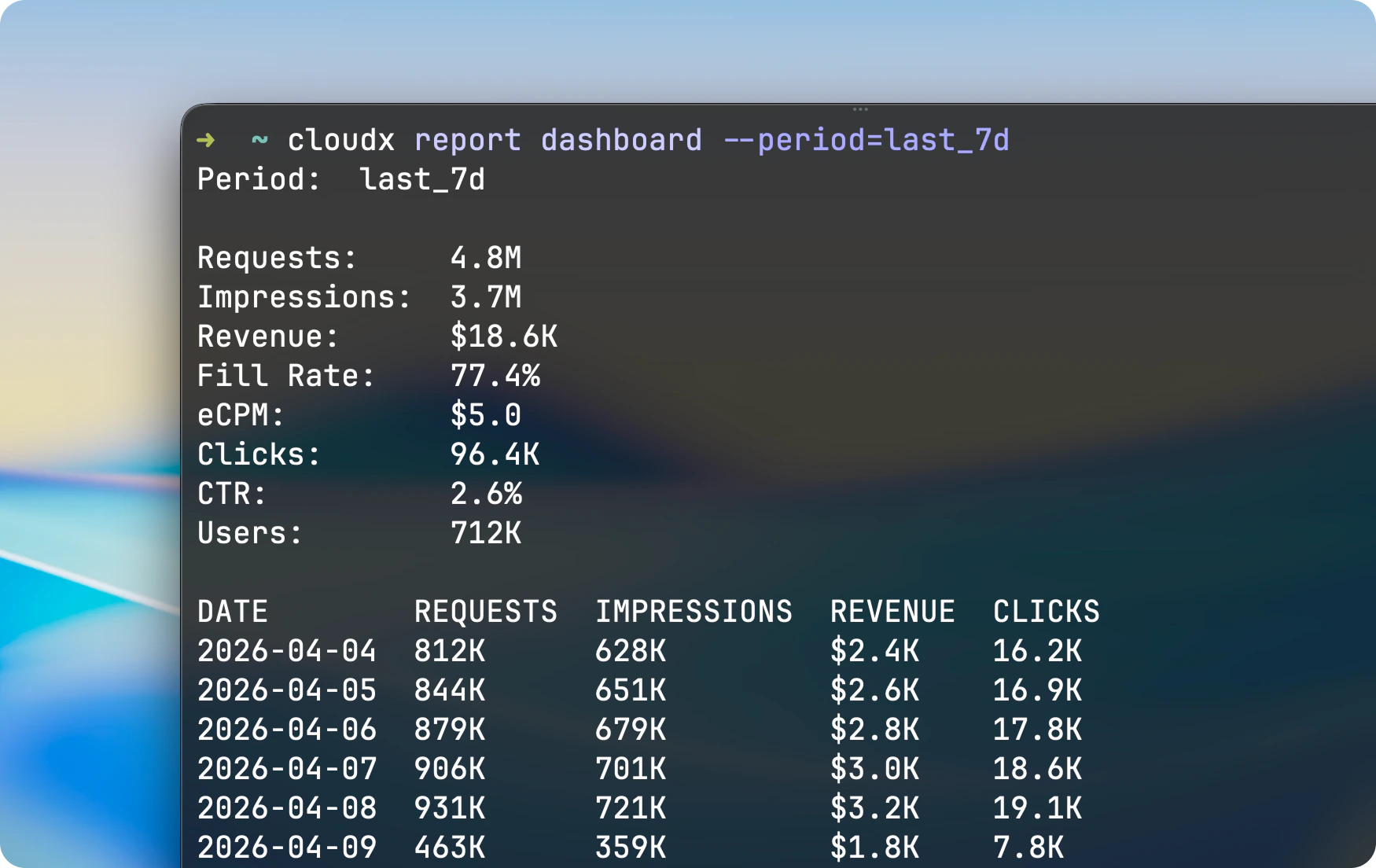
The `cloudx` CLI provides command-line access to CloudX authentication, auction inspection, configuration, reporting, and documentation workflows.
Install instructions are available on the [Installation](/en/cli/installation) page.
 Install the CLI on macOS with Homebrew.
Sign in and manage sessions.
Reporting commands and flags.
Auction, round, bid, and ILRD inspection commands.
Inspect, validate, edit, and publish configs.
Copy-paste CLI examples.
## Root Usage
```bash theme={null}
cloudx [--timeout ] [command]
cloudx --version
cloudx --help
```
## Root Flags
| Flag | Short | Description |
| ---------------------- | ----- | ---------------------------------------------------------------------------------- |
| `--timeout ` | | API request timeout. Defaults to `1m`; maximum `2m`. Examples: `30s`, `90s`, `2m`. |
| `--version` | `-v` | Print the CloudX CLI version and exit. |
| `--help` | | Show command help. |
## Exit Behavior
The CLI uses standard exit codes:
* `0` for success, help output, and `--version`
* `1` for invalid usage, missing configuration, authentication issues, and request errors
One notable exception is `cloudx auth status`:
* It exits `0` when logged in
* It exits `1` when logged out or when the current sign-in session can't be used
## Notes
* The CLI is currently installed on macOS through Homebrew.
* API requests default to a 60 second timeout. Put `--timeout` before the command when you need a shorter or longer request budget.
* Aggregate reporting and auction inspection commands support either human-readable table output or structured JSON with `--json`. Impression-level exports download a gzip-compressed CSV file instead.
* Configuration commands print YAML by default and support JSON output with `--json`.
* Period parsing is UTC-based.
Install the CLI on macOS with Homebrew.
Sign in and manage sessions.
Reporting commands and flags.
Auction, round, bid, and ILRD inspection commands.
Inspect, validate, edit, and publish configs.
Copy-paste CLI examples.
## Root Usage
```bash theme={null}
cloudx [--timeout ] [command]
cloudx --version
cloudx --help
```
## Root Flags
| Flag | Short | Description |
| ---------------------- | ----- | ---------------------------------------------------------------------------------- |
| `--timeout ` | | API request timeout. Defaults to `1m`; maximum `2m`. Examples: `30s`, `90s`, `2m`. |
| `--version` | `-v` | Print the CloudX CLI version and exit. |
| `--help` | | Show command help. |
## Exit Behavior
The CLI uses standard exit codes:
* `0` for success, help output, and `--version`
* `1` for invalid usage, missing configuration, authentication issues, and request errors
One notable exception is `cloudx auth status`:
* It exits `0` when logged in
* It exits `1` when logged out or when the current sign-in session can't be used
## Notes
* The CLI is currently installed on macOS through Homebrew.
* API requests default to a 60 second timeout. Put `--timeout` before the command when you need a shorter or longer request budget.
* Aggregate reporting and auction inspection commands support either human-readable table output or structured JSON with `--json`. Impression-level exports download a gzip-compressed CSV file instead.
* Configuration commands print YAML by default and support JSON output with `--json`.
* Period parsing is UTC-based.